
How to Order
1. Find & Select Your Plants
Find & Select Your Plants
1. Find & Select Your Plants
Browse and select "Shop all/varieties" on our website and click on a plant's image for more details. Then choose "buy now" to proceed directly to checkout, or "add to cart" to continue shopping.
2. Checkout Process
Then, click "checkout" to proceed. Here, you'll need to provide or confirm your shipping address—accuracy is key to avoid delivery issues.
2. Checkout Process
Then, click "checkout" to proceed. Here, you'll need to provide or confirm your shipping address—accuracy is key to avoid delivery issues.
3. Shipping Selection
You can either select Kartel's Exclusive or Direct Shipment. Please note that if you choose the Direct Shipment, you might need an Import Permit ready.
3. Shipping Selection
You can either select Kartel's Exclusive or Direct Shipment. Please note that if you choose the Direct Shipment, you might need an Import Permit ready.
4. Confirm Your Order
After placing your order, please double-check and ensure everything before proceeding with the payment.
4. Confirm Your Order
After placing your order, please double-check and ensure everything before proceeding with the payment..
5. Complete Payment
After confirming your order, select from our available payment methods. Please finalize your payment within one hour; otherwise, the order will be automatically canceled.
5. Complete Payment
After confirming your order, select from our available payment methods. Please finalize your payment within one hour; otherwise, the order will be automatically canceled.
6. Need Assistance?
Whenever you encounter any issue, just click the message button, and our team will be very happy to support you.
6. Need Assistance?
Whenever you encounter any issue, just click the message button, and our team will be very happy to support you.
Combine Order
1. Find & Select Your Plants
You can always include more plants to combine them with your previous order! Simply select your preferred plants from the "Shop All" section and purchase them using the same process as your previous order.
1. Find & Select Your Plants
You can always include more plants to combine them with your previous order! Simply select your preferred plants from the "Shop All" section and purchase them using the same process as your previous order.
2. Use the Same Address
The key is to choose the same address as the previous order during the checkout process.
2. Use the Same Address
The key is to choose the same address as the previous order during the checkout process.
3. Choose same shipment
Choose the same shipping method as your previous order and ensure it is still within the same shipment batch. Voila! You only need to pay for any increase in volume from your previous order. *Additional shipping costs only apply if the volume increases significantly
3. Choose same shipment
Choose the same shipping method as your previous order and ensure it is still within the same shipment batch. Voila! You only need to pay for any increase in volume from your previous order. *Additional shipping costs only apply if the volume increases significantly
4. Confirm your order
After confirming your order. select from our available payment methods. Please finalize your payment within one hour: otherwise. the order will be automatically cancelled.
4. Confirm your order
After confirming your order. select from our available payment methods. Please finalize your payment within one hour: otherwise. the order will be automatically cancelled.
5. Order Finished
After placing your order. please Make sure to revisit your profile and confirm that the order has been combined to your existing orders.
5. Order Finished
After placing your order. please Make sure to revisit your profile and confirm that the order has been combined to your existing orders.
Apply Voucher
Payment

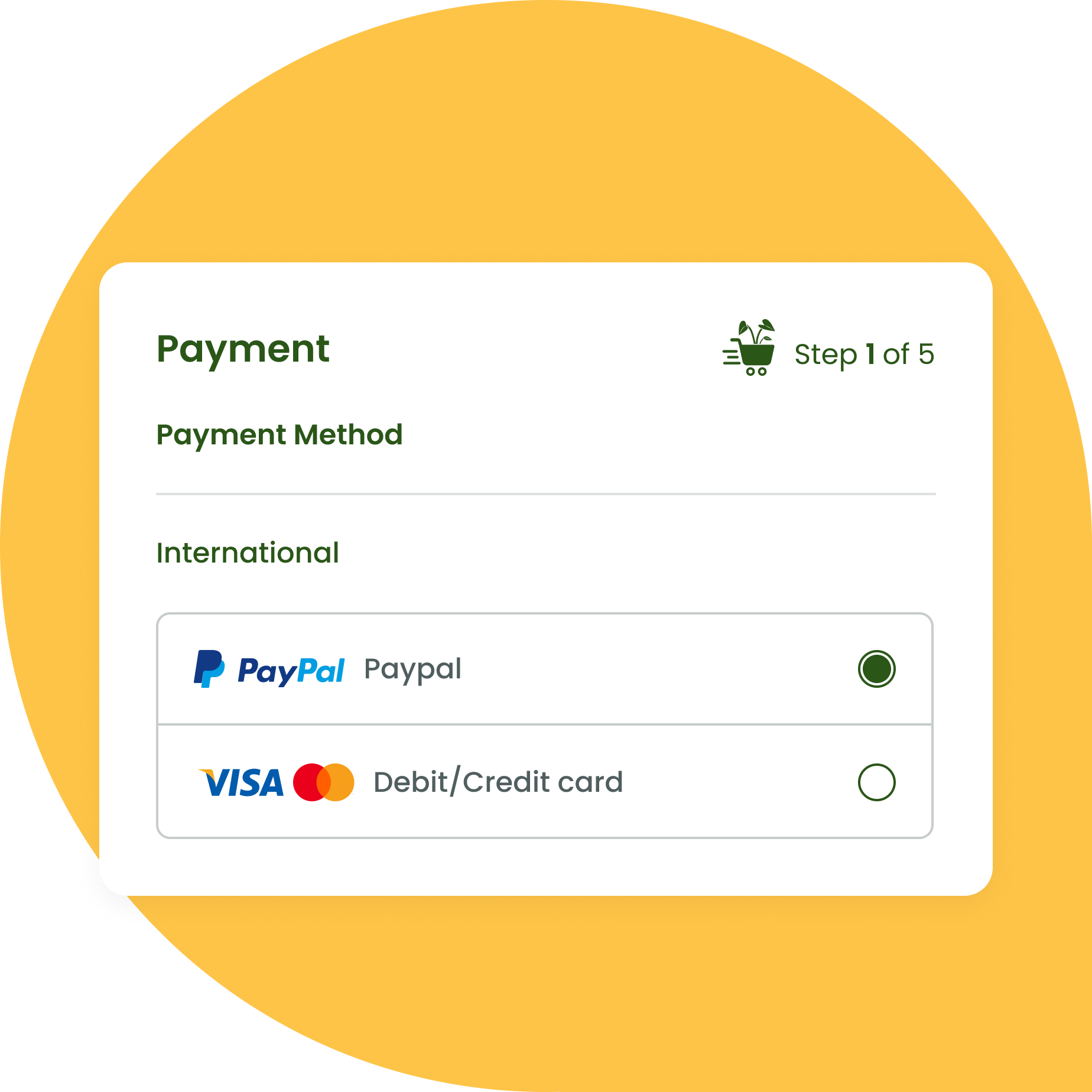
1. Select payment method
Choose PayPal option then tick the terms and conditions box (Please make sure you read our terms and conditions first)
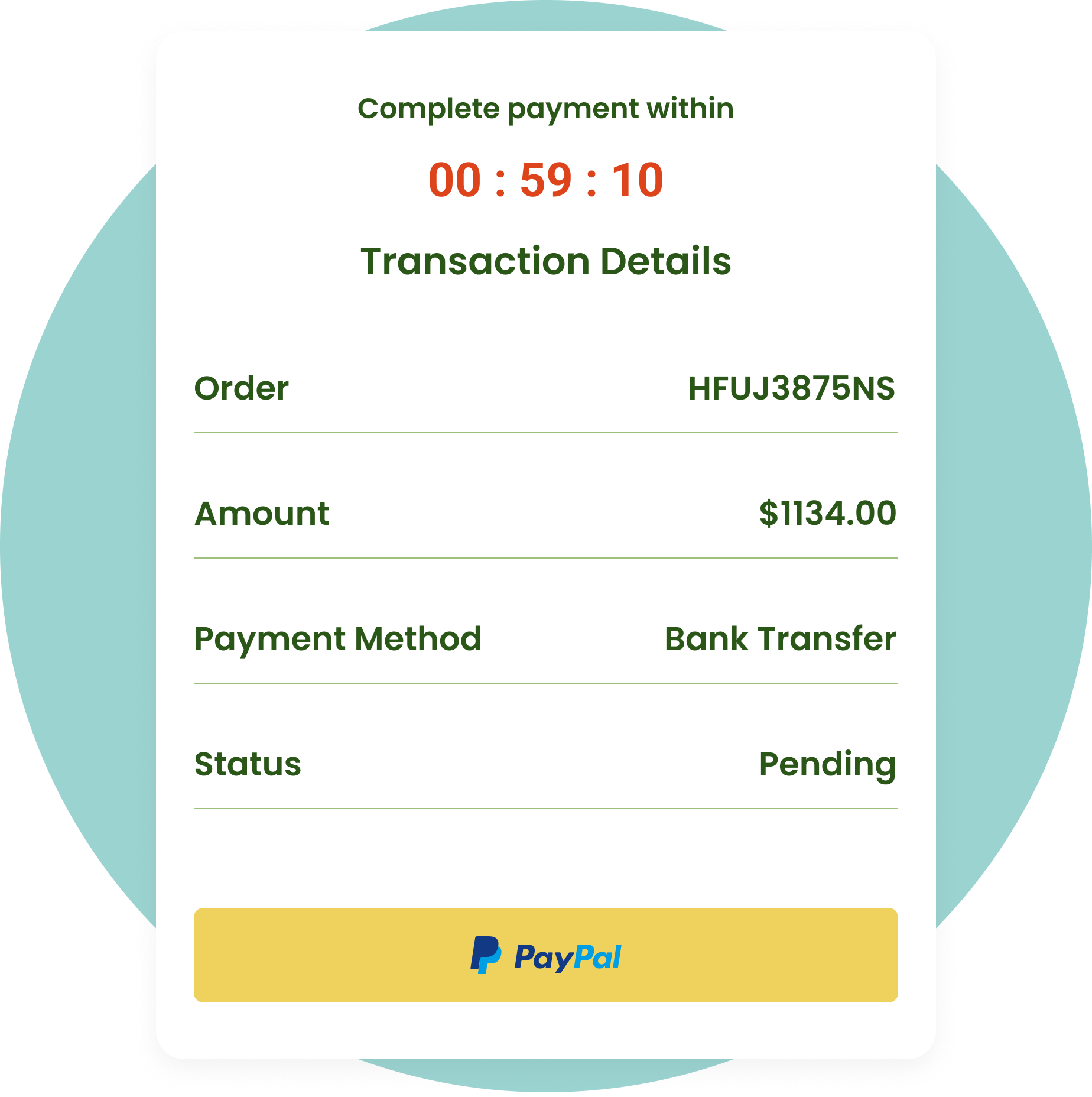
2. Proceed to payment
Click “PayPal” button to proceed the payment. you have 1 hour to complete your payment.
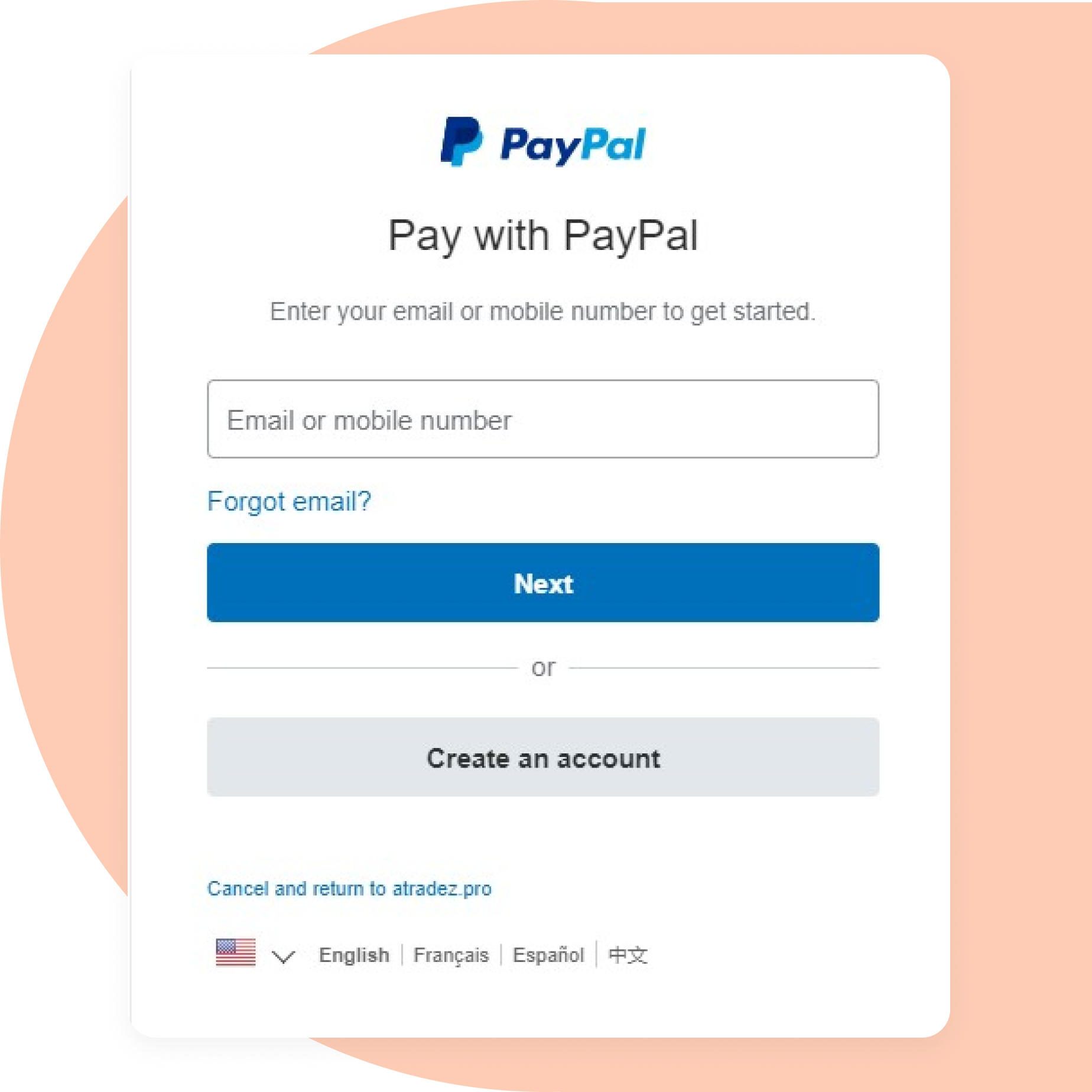
3. Login to PayPal
Login to your PayPal account and do double check to make sure the data entered is correct.
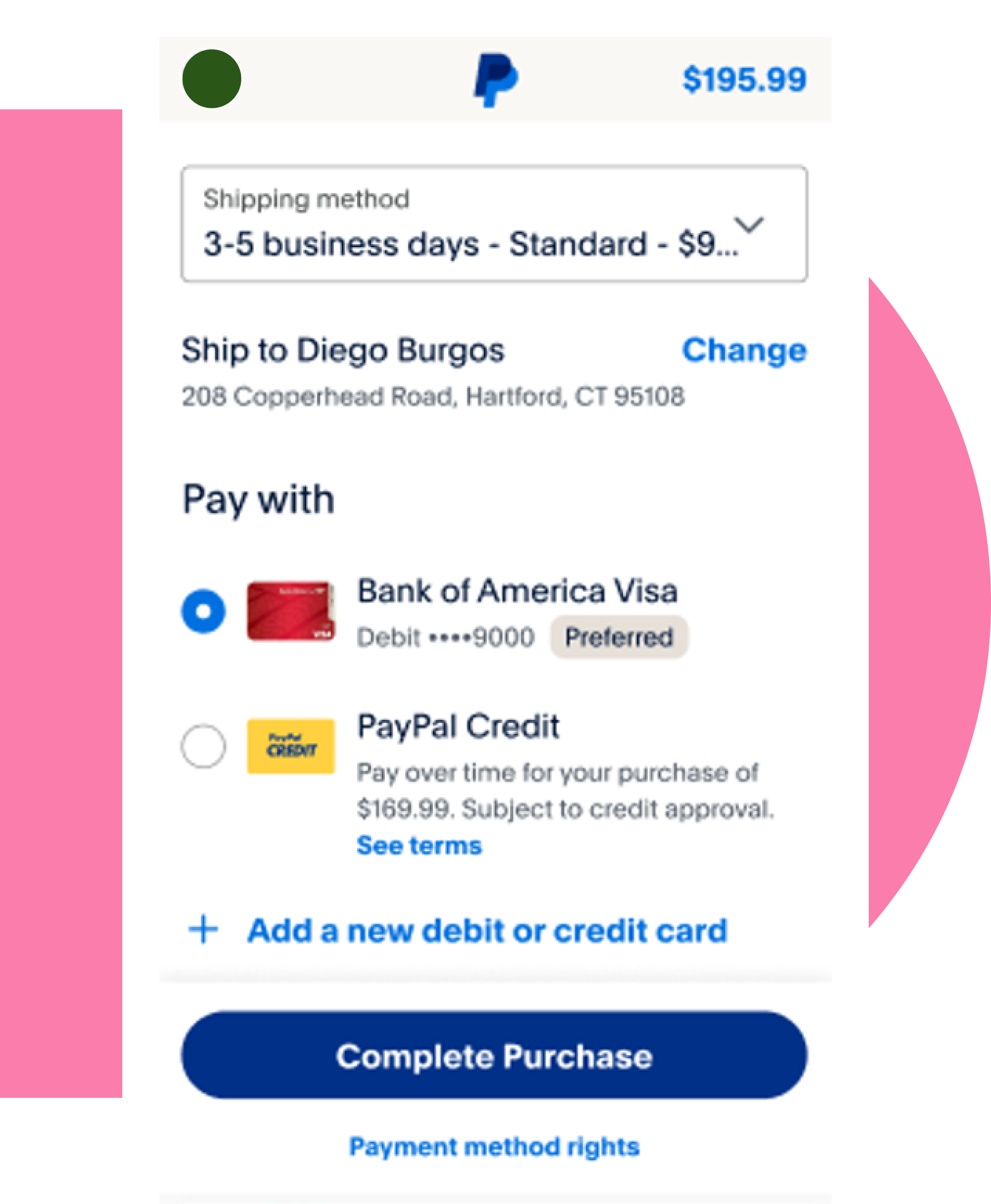
4. Finish payment
Once you’ve confirmed your payment details, click the “Complete Purchase” button to complete your transaction. You will receive a confirmation email shortly after your payment is successful.

1. Select payment method
Choose Visa/Mastercard option then tick the terms and conditions box (Please make sure you read our terms and conditions first)
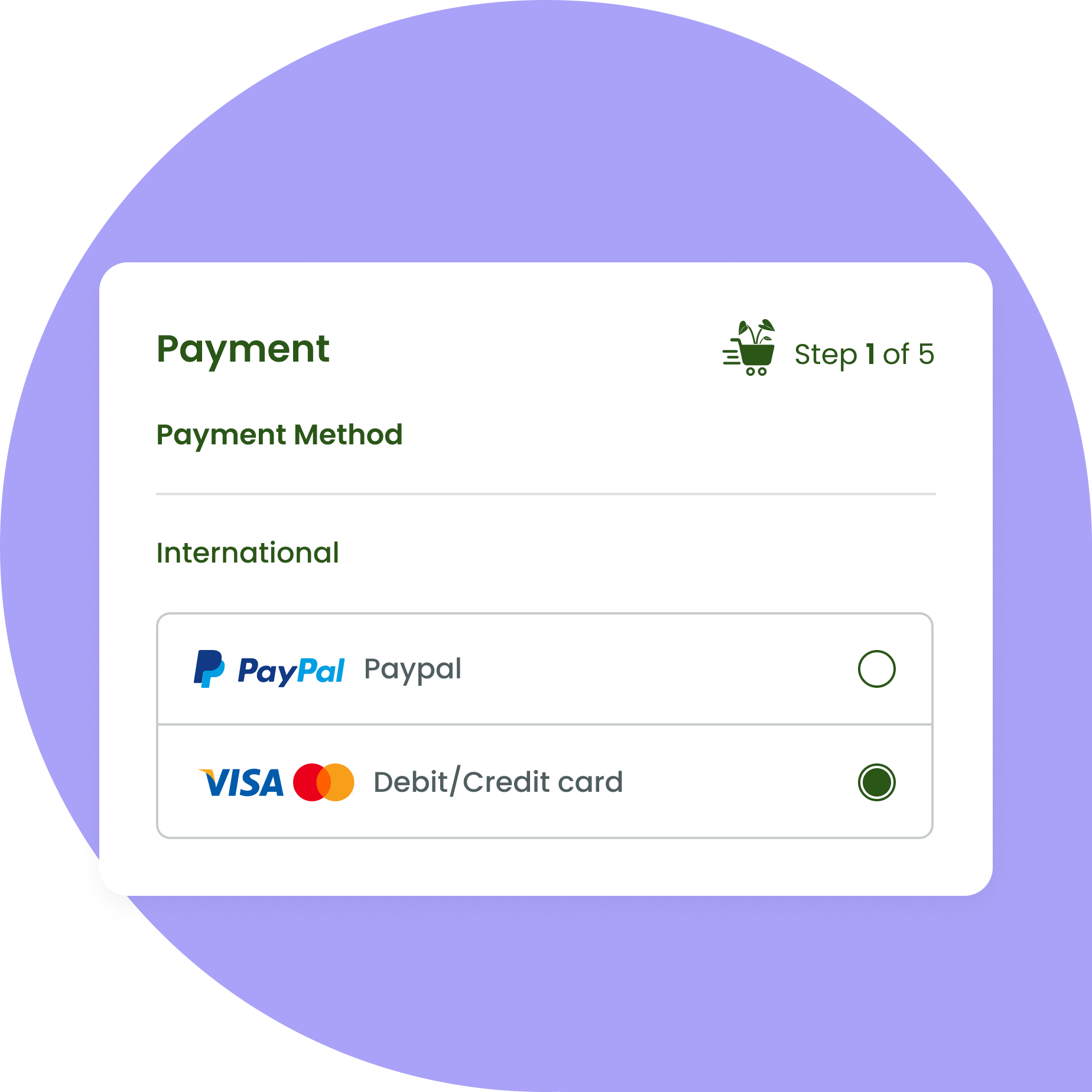
2. Proceed to payment
Click “Pay Now” button to proceed the payment. you have 1 hour to complete your payment.
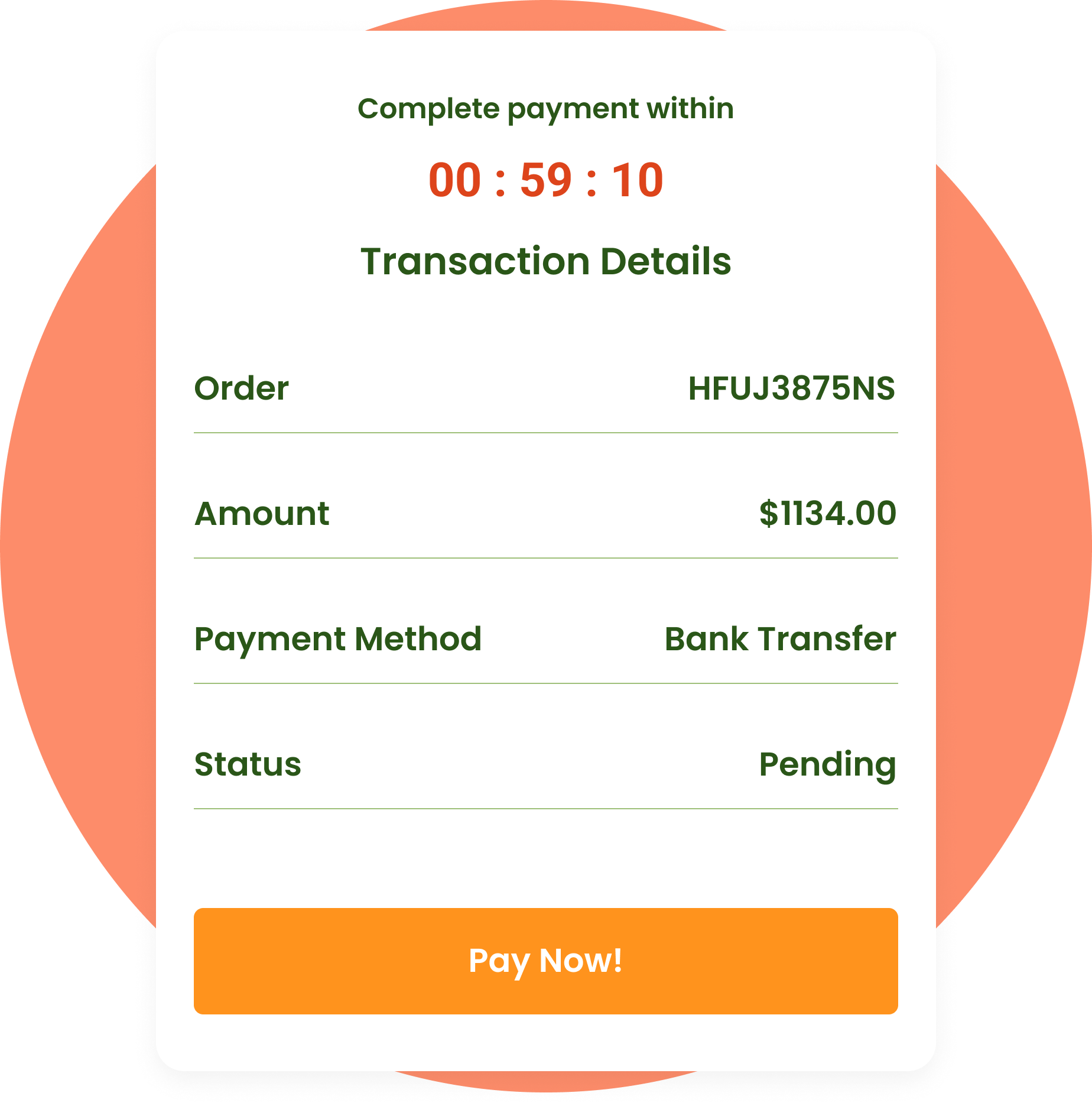
3. Fill details
Fill your card details and do a double check to make sure the data entered is correct and then click “Complete Payment” to proceed.
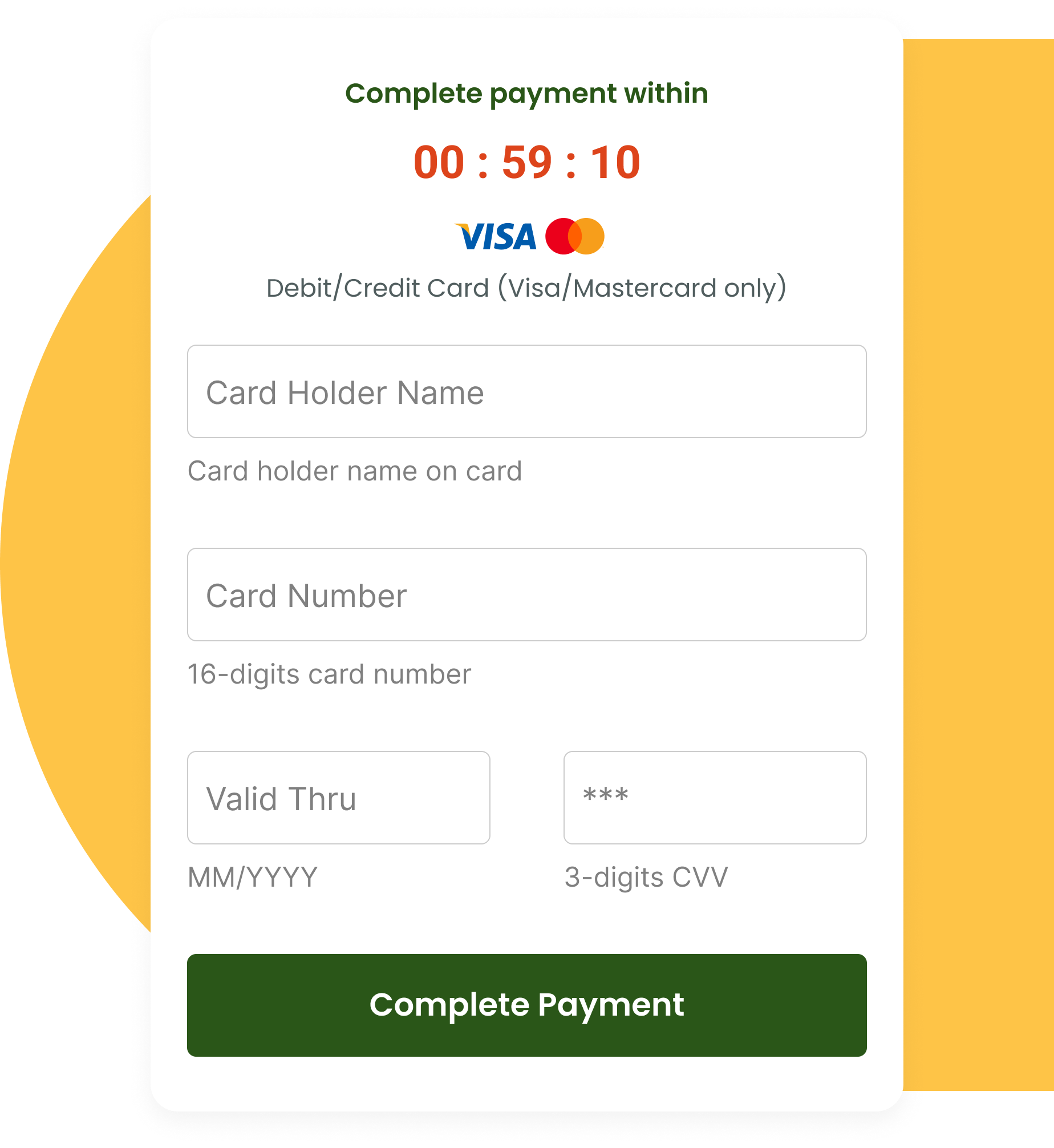
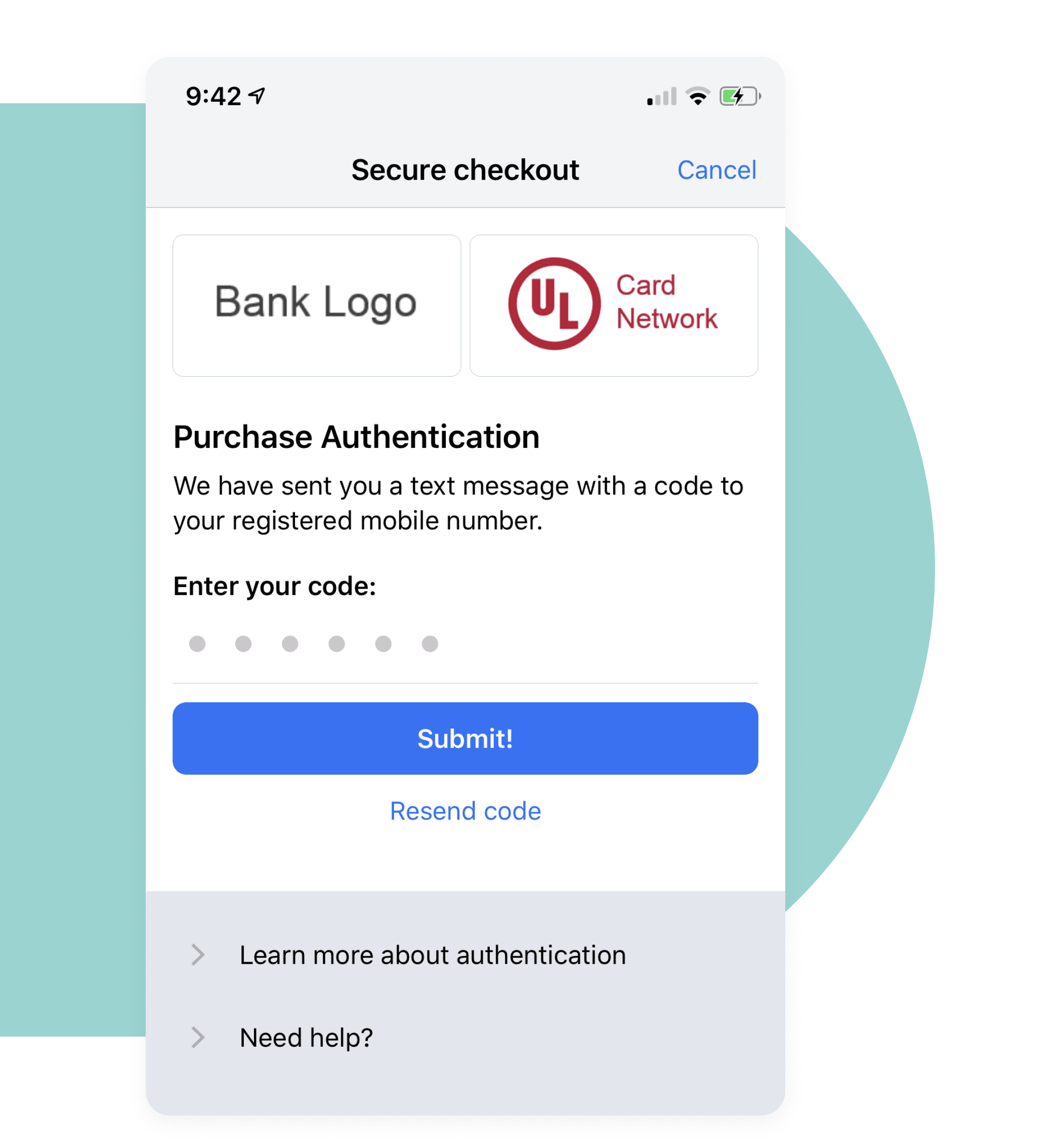
4. Submit authentication
3D Security Authentication will ask youto input the digit sent by SMS. Enter the OTP and click “Submit”.
Kartel Daun's Dictionary
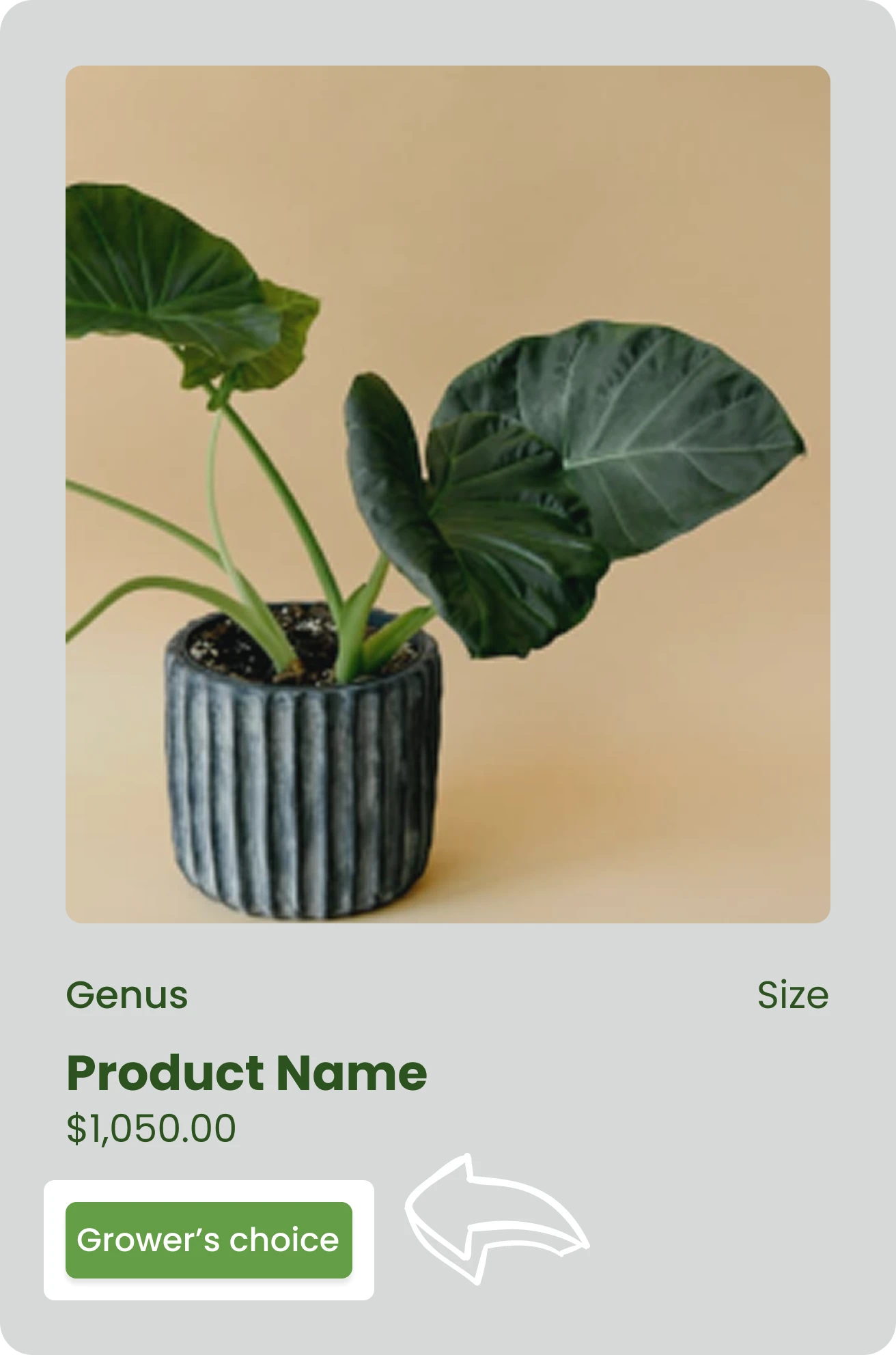
Grower's Choice
The image provided offer a glimpse of the plants’ appearance! Trust us to handpick the healthiest one for you!!
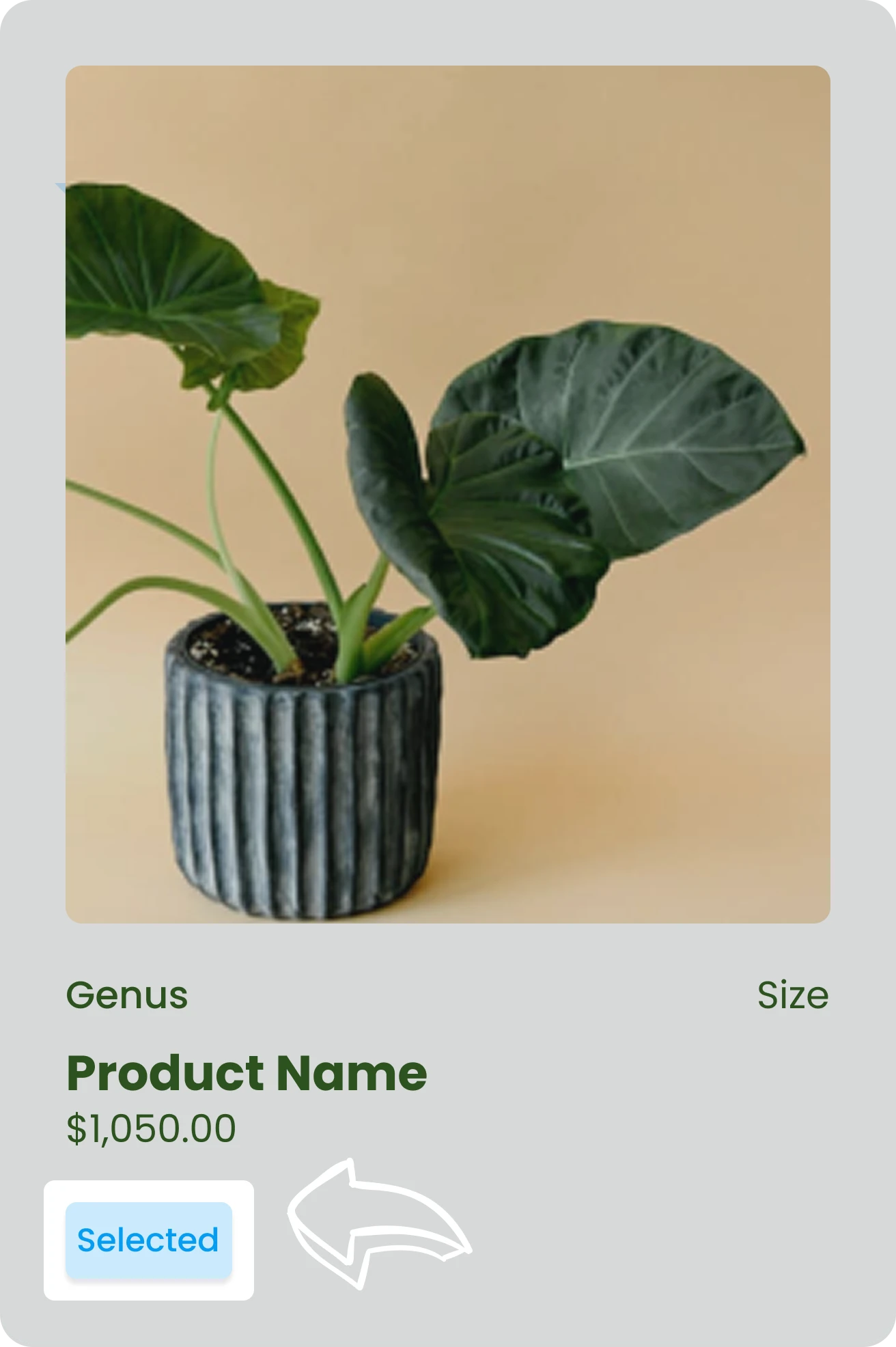
Selected
What you see is what you get on our website- your plant will be a perfect match to the photo!
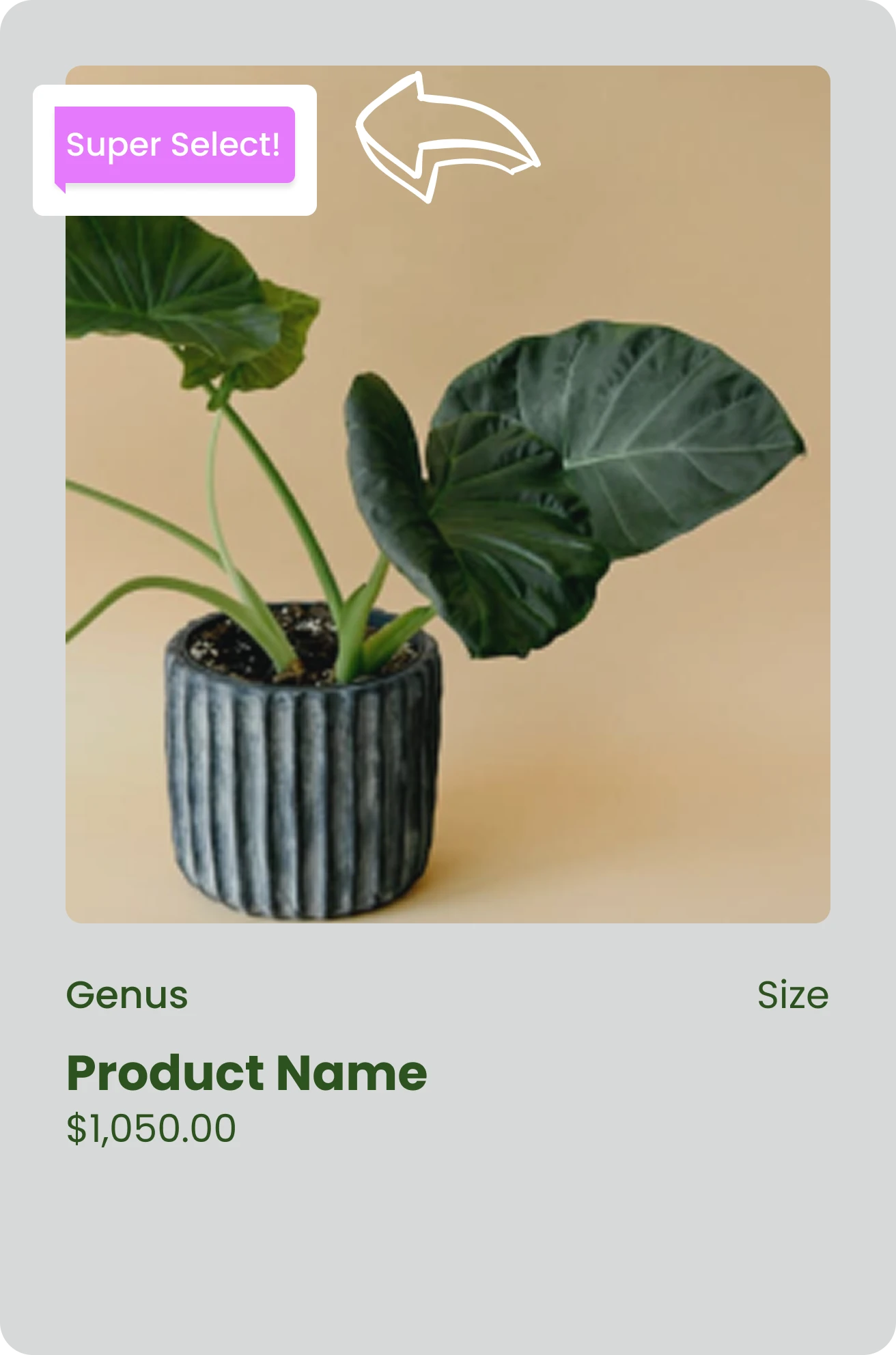
Super Select
Special plants with unique traits that make them stand out from the rest in their batch.
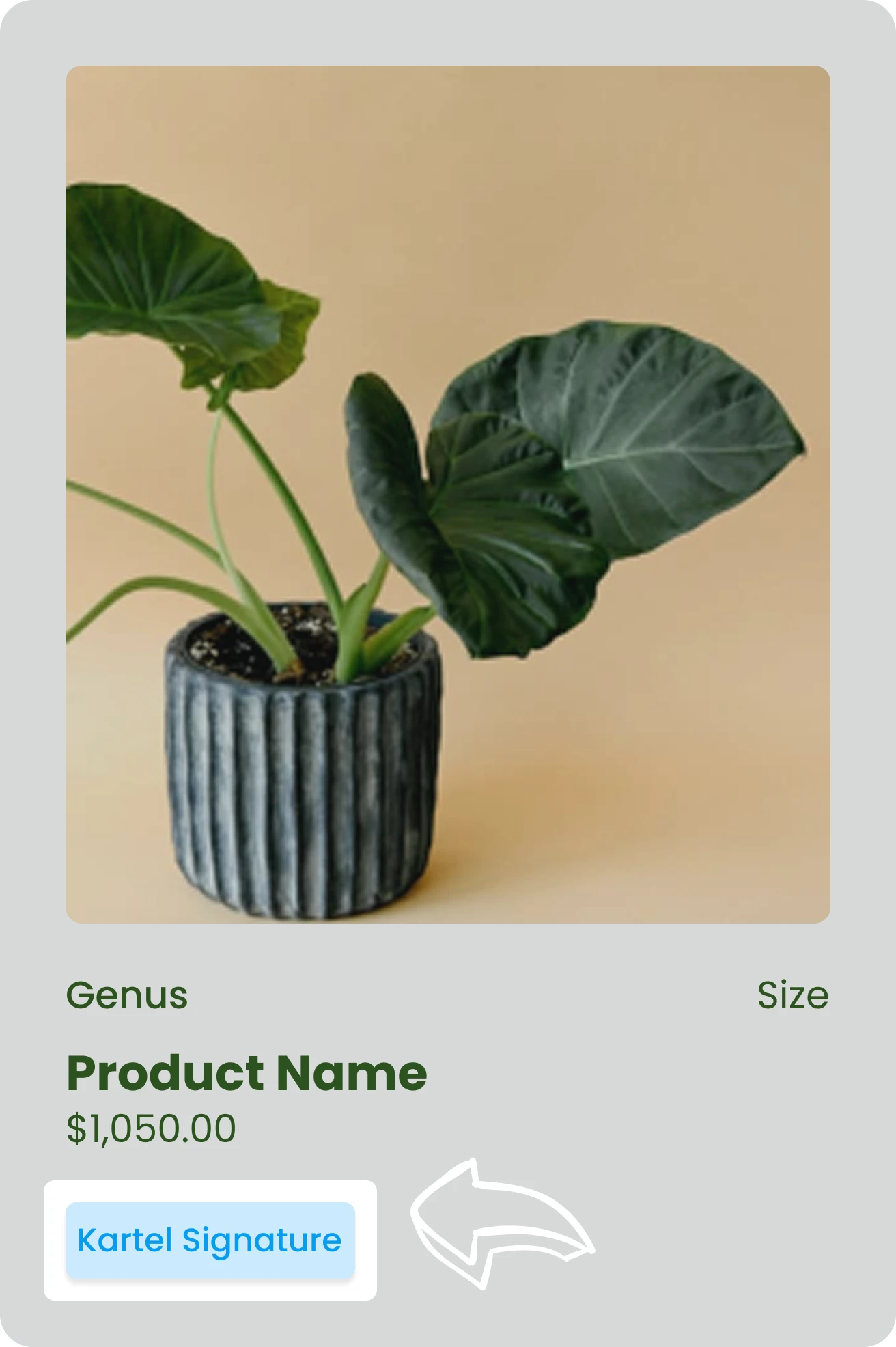
Kartel Signature
Every plant are special hybrid crafted by Erick in our beloved greenhouse.